Short VC callouts
Use translated speech for quick confirmations, callouts, and reactions in international game sessions.
Game voice chat needs short callouts, reactions, and quick confirmations. VoxShift is designed around those VC workflows, with translated speech output, subtitles, soundboard cues, and routing checks. Fast mode starts translating before you finish speaking.
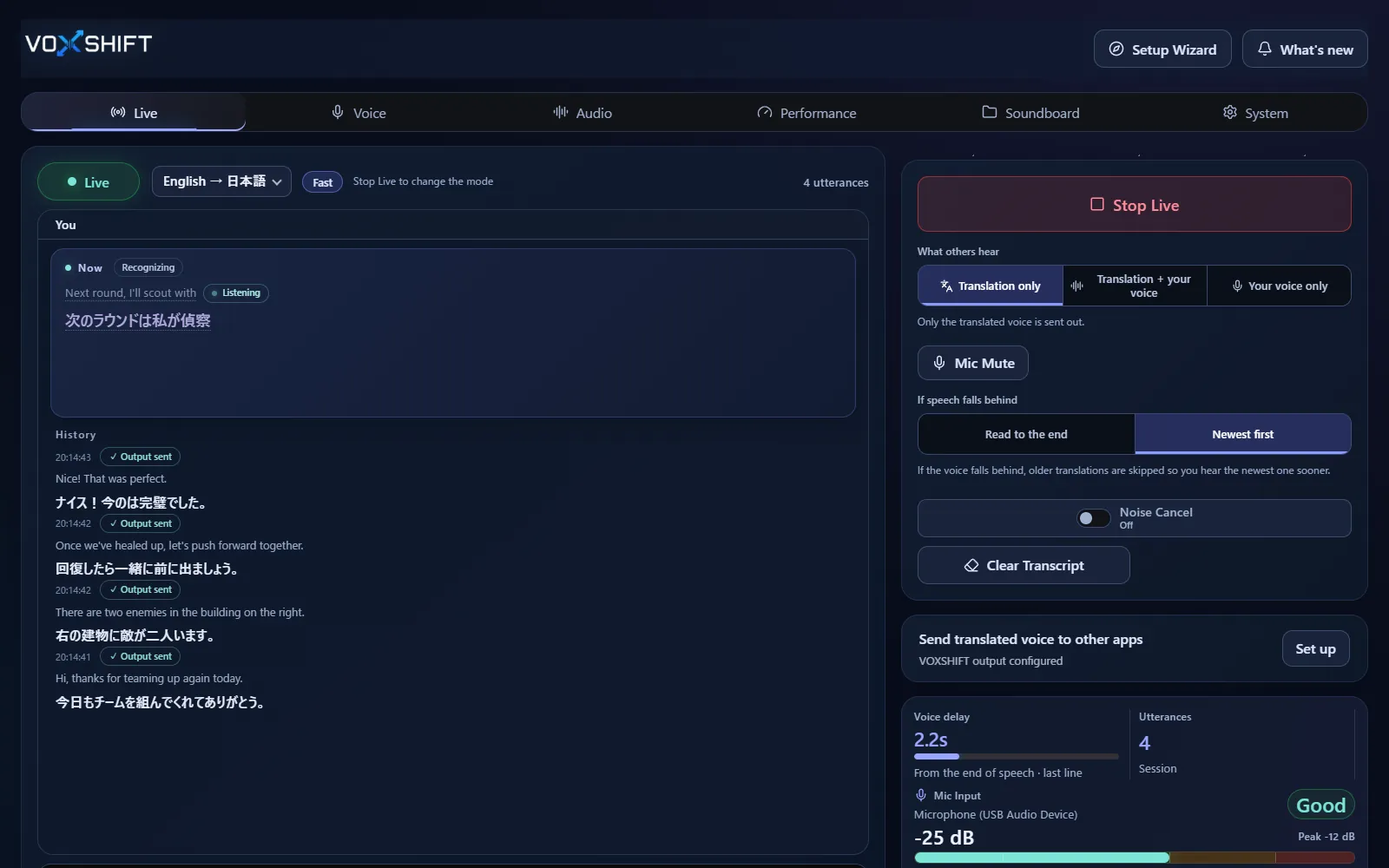
Use translated speech for quick confirmations, callouts, and reactions in international game sessions.
Keep short reactions ready while translation is processing, so voice chat flow does not stop completely.
Latency and quality depend on GPU, VRAM, settings, and audio devices. On PCs with less GPU memory, VoxShift picks a Low VRAM or Ultra-low VRAM mode automatically.
Live voice translation requires an NVIDIA CUDA GPU (GTX 16 / RTX 20 series or newer) with 4 GB VRAM or more, and results also depend on your audio devices and routing. Test the free version (Steam Demo or Microsoft Store free trial) on your own PC before purchasing. It limits each Live session to 10 minutes, translates into English only, uses a fixed light model set, and allows up to 3 soundboard items.
Yes, but translation adds latency and GPU load. If your game uses a lot of VRAM, you can also choose Low VRAM or Ultra-low VRAM under Performance → Manual settings. Test competitive use with the free version first.
Translation quality varies by language, model, clarity, and specialized vocabulary.
No. Mixed voices are not separated per speaker: your own microphone becomes translated speech, and the other side can be shown as partner subtitles. Turn on “Only voice my own speech” to keep game audio or other people's voices picked up by your mic out of your translated voice.
Voice translation is highly dependent on your PC. Before buying, check your PC, devices, and latency with the free version. Steam and Microsoft Store sell separate products, each a one-time purchase.