Reference voice workflow
Read one short sentence aloud to record a voice sample, so translated speech stays closer to your own voice. Without a recording, VoxShift can use your live voice as the reference.
Generic TTS can make translated speech feel detached from the speaker. VoxShift uses a reference voice workflow to output translated speech that is closer to your own voice, while clearly documenting limits and consent rules.
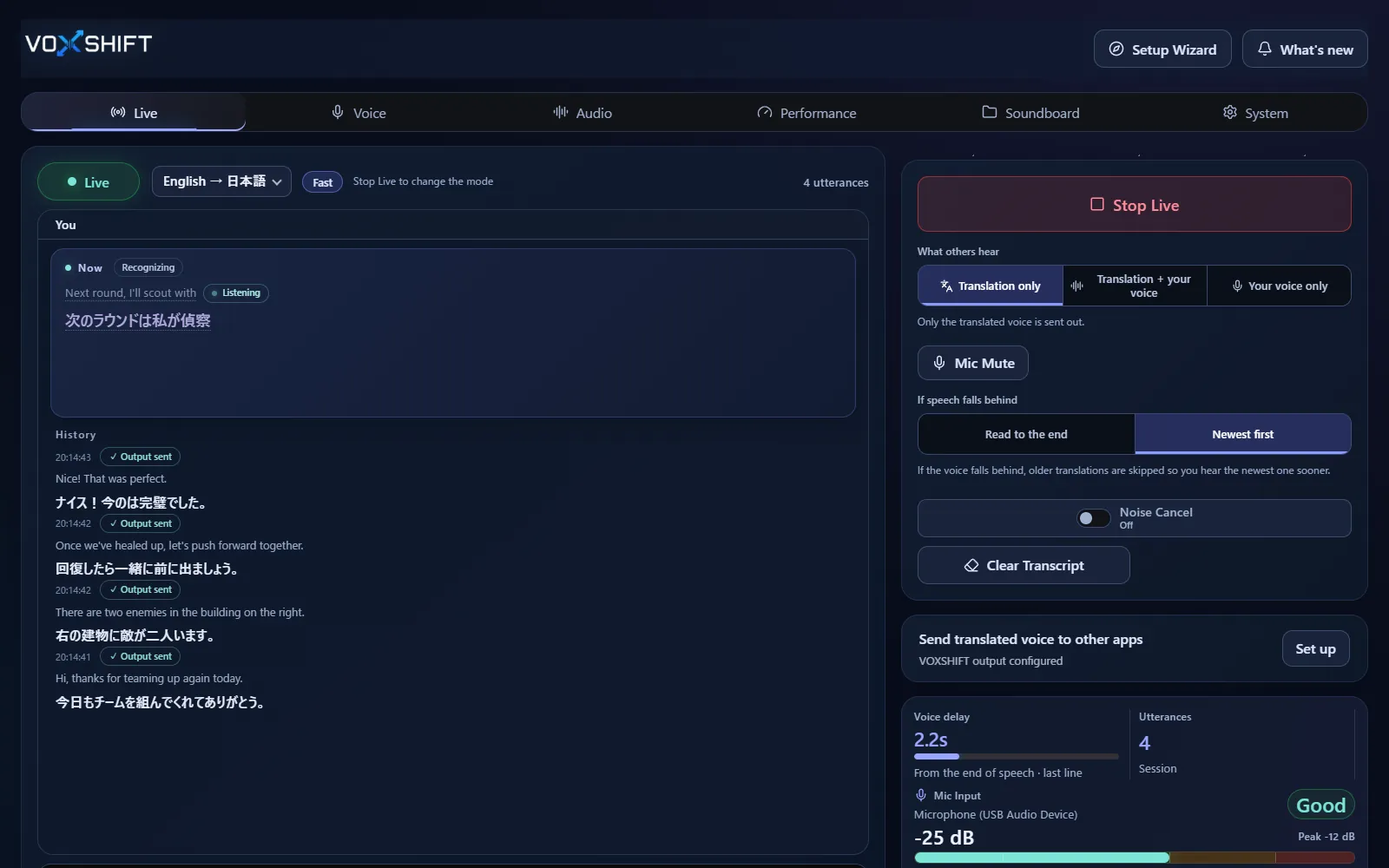
Read one short sentence aloud to record a voice sample, so translated speech stays closer to your own voice. Without a recording, VoxShift can use your live voice as the reference.
Using another person's voice without consent is prohibited. Use your own voice or properly authorized audio only.
The feature aims for voice similarity, not perfect cloning of tone, emotion, or pronunciation.
Live voice translation requires an NVIDIA CUDA GPU (GTX 16 / RTX 20 series or newer) with 4 GB VRAM or more, and results also depend on your audio devices and routing. Test the free version (Steam Demo or Microsoft Store free trial) on your own PC before purchasing. It limits each Live session to 10 minutes, translates into English only, uses a fixed light model set, and allows up to 3 soundboard items.
No. VoxShift aims for translated speech close to your reference voice, not perfect reproduction.
No, not without consent. Unauthorized third-party voice use is prohibited.
Discord, game voice chat, OBS streaming, and other workflows where speaker identity matters.
No. Recording is optional. Without it, VoxShift uses your live voice as the reference while you speak. A short recording of one sentence helps the translated voice sound more like you.
Voice translation is highly dependent on your PC. Before buying, check your PC, devices, and latency with the free version. Steam and Microsoft Store sell separate products, each a one-time purchase.