OBS WebSocket integration
Update OBS text sources with original and translated captions for stream layouts.
VoxShift helps streamers speak to international viewers by combining translated speech output with OBS caption integration. It is designed for local Windows workflows rather than a browser-only demo.
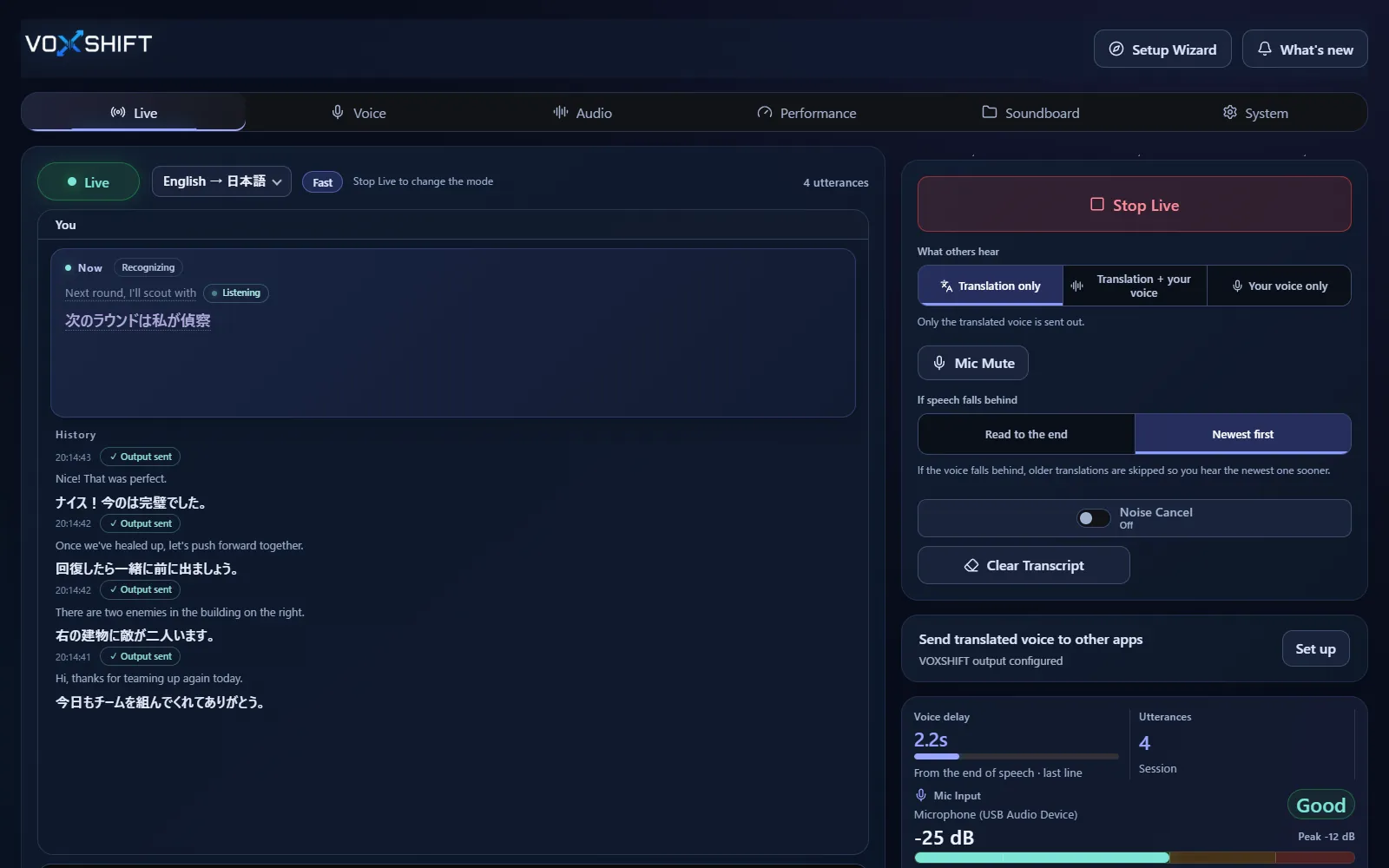
Update OBS text sources with original and translated captions for stream layouts.
Use translated voice output and subtitles together instead of choosing only one communication channel.
Run the Live start check and confirm audio routing and caption output before going live.
Live voice translation requires an NVIDIA CUDA GPU (GTX 16 / RTX 20 series or newer) with 4 GB VRAM or more, and results also depend on your audio devices and routing. Test the free version (Steam Demo or Microsoft Store free trial) on your own PC before purchasing. It limits each Live session to 10 minutes, translates into English only, uses a fixed light model set, and allows up to 3 soundboard items.
No. VoxShift is a Windows app that can update OBS captions through OBS WebSocket.
Yes. VoxShift supports caption workflows such as translation-only or source plus translation.
Rehearse with the free version and test streams first (the free version translates into English only, with Live sessions of up to 10 minutes). Latency and accuracy vary by hardware and audio conditions.
Voice translation is highly dependent on your PC. Before buying, check your PC, devices, and latency with the free version. Steam and Microsoft Store sell separate products, each a one-time purchase.