Fill short pauses
Quick cues can help keep voice chat moving while translation and voice generation take a moment.
VoxShift is not mainly a soundboard. Its core workflow is microphone recognition, translation, reference-voice output, and captions. Soundboard cues are included to help fill short pauses, game callouts, and stream reactions while translated speech remains the main experience.
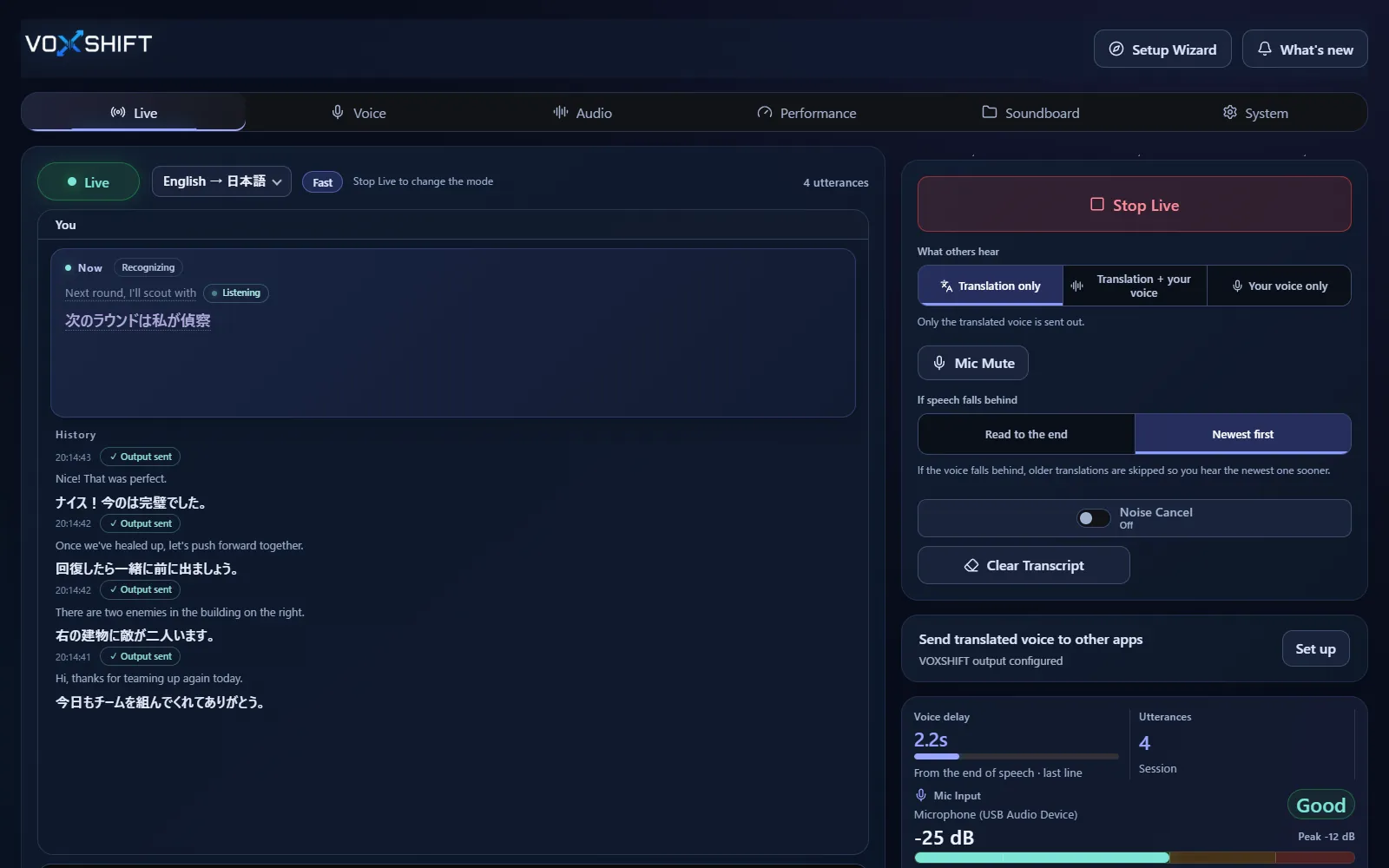
Quick cues can help keep voice chat moving while translation and voice generation take a moment.
Use short callouts, reactions, and stream cues alongside Discord, game VC, and OBS workflows.
The main value remains translated speech and captions. Soundboard features support the overall workflow.
Live voice translation requires an NVIDIA CUDA GPU (GTX 16 / RTX 20 series or newer) with 4 GB VRAM or more, and results also depend on your audio devices and routing. Test the free version (Steam Demo or Microsoft Store free trial) on your own PC before purchasing. It limits each Live session to 10 minutes, translates into English only, uses a fixed light model set, and allows up to 3 soundboard items.
No. VoxShift is primarily reference-voice translation software with captions. Soundboard cues support voice chat and streaming workflows.
It is designed for short confirmations, reactions, and stream cues. Test volume and routing with the free version first (it allows up to 3 soundboard items).
That depends on your Windows audio routing. Test your actual Discord, game VC, or OBS setup before relying on it.
Voice translation is highly dependent on your PC. Before buying, check your PC, devices, and latency with the free version. Steam and Microsoft Store sell separate products, each a one-time purchase.