Route into call inputs
Use your Windows audio route so a meeting app can receive translated speech as an input-device style signal.
VoxShift is focused on Discord, games, and OBS, but the same Windows audio-routing workflow can also be tested with meeting apps that let you choose an input device. It transcribes your microphone, translates the text, and outputs reference-voice translated speech while showing captions for checking.
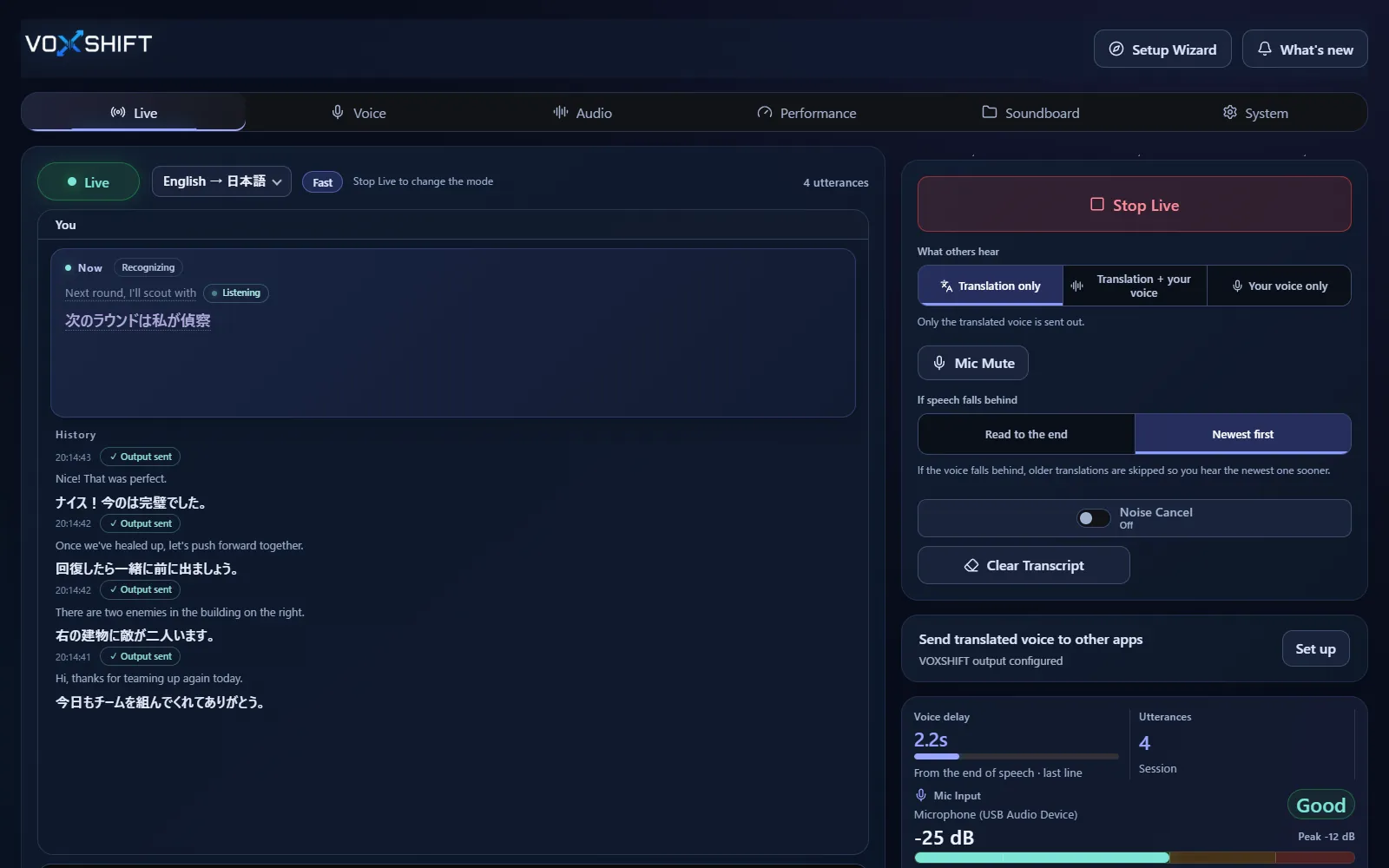
Use your Windows audio route so a meeting app can receive translated speech as an input-device style signal.
Source and translated captions help you inspect recognition and translation before relying only on generated voice.
Mistranslation matters in medical, legal, financial, contract, and emergency conversations. Test carefully and keep human confirmation where needed.
Live voice translation requires an NVIDIA CUDA GPU (GTX 16 / RTX 20 series or newer) with 4 GB VRAM or more, and results also depend on your audio devices and routing. Test the free version (Steam Demo or Microsoft Store free trial) on your own PC before purchasing. It limits each Live session to 10 minutes, translates into English only, uses a fixed light model set, and allows up to 3 soundboard items.
No. VoxShift is a Windows app. It is designed to work through local audio devices and routing, not through a meeting-app plugin.
Use the free version and rehearse first. Translation adds latency and can be wrong, so important meetings need extra care.
No. With partner subtitles on, the other person's speech is shown as translated captions; it is never played back as translated voice.
Voice translation is highly dependent on your PC. Before buying, check your PC, devices, and latency with the free version. Steam and Microsoft Store sell separate products, each a one-time purchase.