
Local-first default
The default configuration is designed not to send your audio or translated text to VoxShift operator servers.
In its default configuration, VoxShift (both the Steam and Microsoft Store versions) does not send audio data, reference voice, translated text, or caption content to VoxShift operator servers. Speech recognition, translation, and voice generation run on your PC, and the models needed for first use are included in the package. It is not advertised as fully offline, because purchase, license checks, and optional model downloads use the internet.
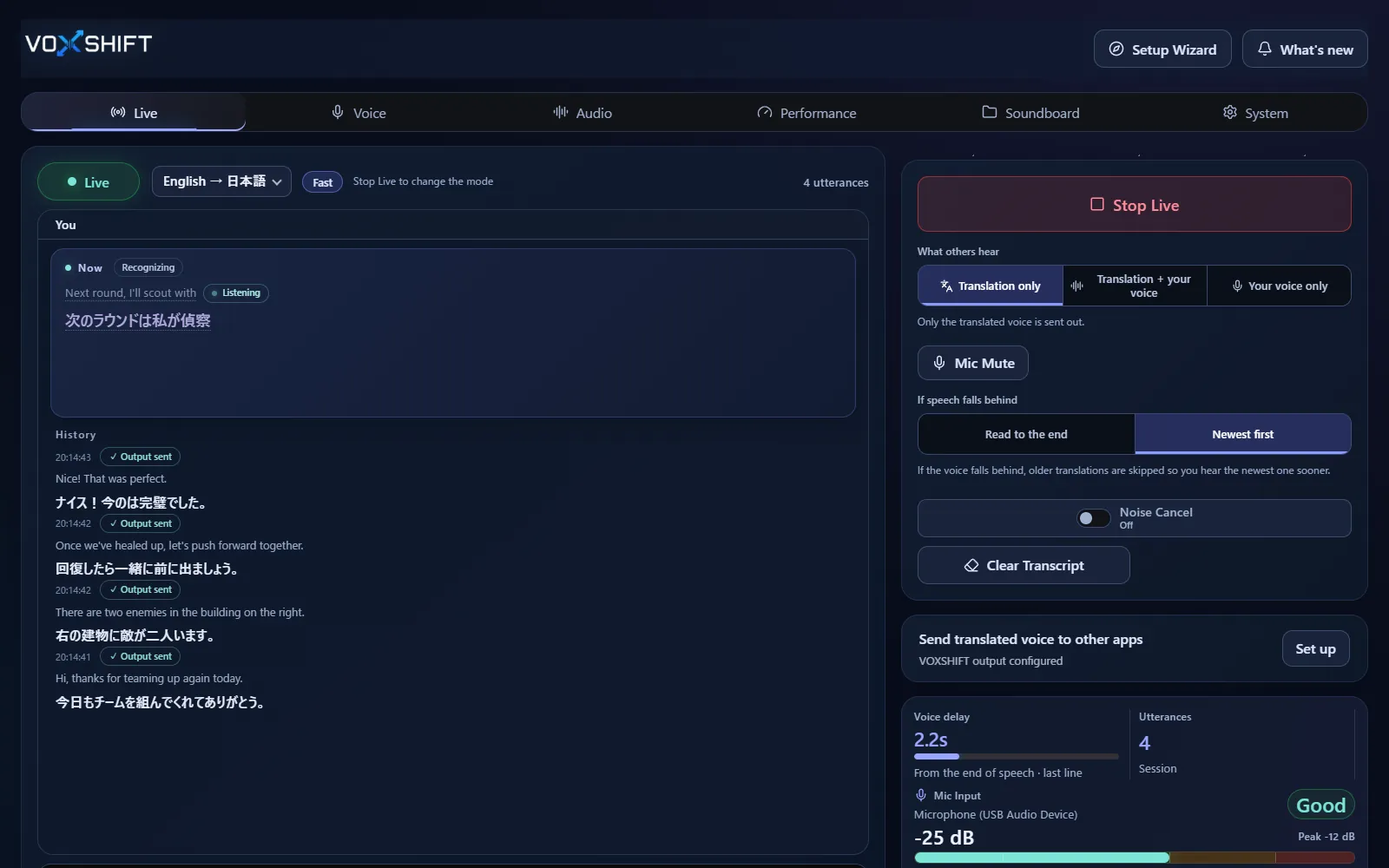
The default configuration is designed not to send your audio or translated text to VoxShift operator servers.
The models needed for first use come with the package, and optional models are stored locally too. VoxShift checks your PC and picks a matching setup.
Use care in work, medical, legal, financial, or other situations where mistranslation matters.
Live voice translation requires an NVIDIA CUDA GPU (GTX 16 / RTX 20 series or newer) with 4 GB VRAM or more, and results also depend on your audio devices and routing. Test the free version (Steam Demo or Microsoft Store free trial) on your own PC before purchasing. It limits each Live session to 10 minutes, translates into English only, uses a fixed light model set, and allows up to 3 soundboard items.
By default, in both the Steam and Microsoft Store versions, audio and translated text are not sent to VoxShift operator servers. Recognition, translation, and voice generation run on your PC.
No. Purchase and license checks, updates, and optional model downloads need internet access. The models needed for first use are included, and recognition, translation, and voice generation run locally.
The Steam version includes the official VB-CABLE installer from VB-Audio as an optional install. The Microsoft Store version does not bundle it and points you to the official VB-Audio page instead.
Voice translation is highly dependent on your PC. Before buying, check your PC, devices, and latency with the free version. Steam and Microsoft Store sell separate products, each a one-time purchase.