Find the VoxShift workflow that matches your search.
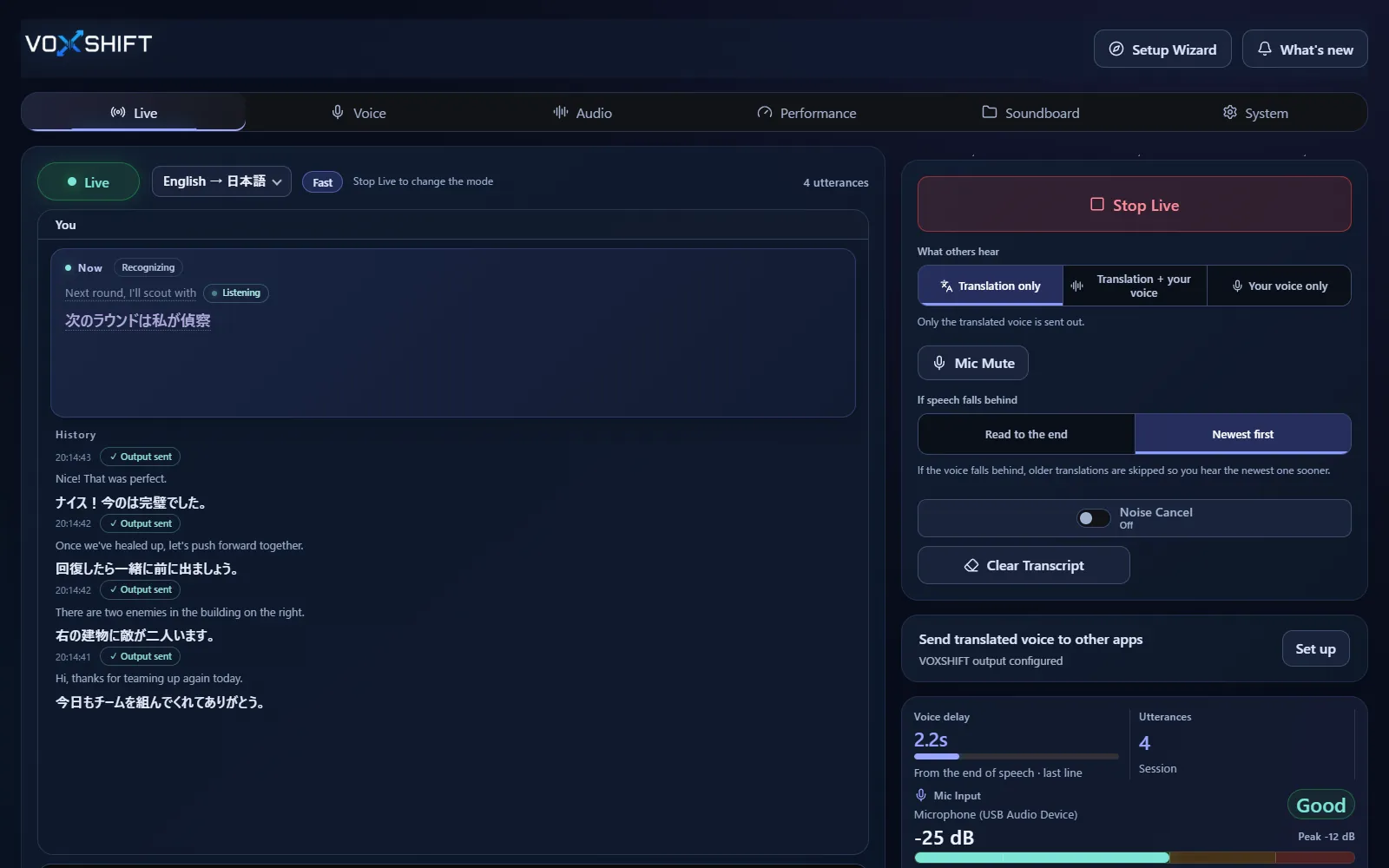
Voice translation depends on the workflow: Discord, game voice chat, OBS captions, meetings, subtitle checking, virtual microphone routing, or local-first privacy. In VoxShift you set up your voice, mic, and output in the setup wizard, then pick Fast or Quality on the Live tab and speak; the translated voice reaches your chat app or OBS through a virtual audio device. Start with the closest guide, then test your own PC with the free Demo or Free Trial.
Discord Voice Translator
Translate Discord voice chat with your own voice.
Translate Discord voice chat on Windows with reference-voice speech output, virtual mic routing, partner subtitles, and a free version to test first.
Game Voice Chat Translation
Voice translation for game chat with soundboard cues.
Translate your microphone for game voice chat, Discord calls, OBS streams, and international teams with VoxShift for Windows. Free version on Steam and Microsoft Store.
OBS Translation Captions
Add translated captions and translated voice to OBS.
Add translated captions and reference-voice translated speech to OBS streams with VoxShift for Windows. Supports OBS WebSocket text source updates.
Reference Voice Translation
Translate speech without losing your voice identity.
Translate speech while keeping a voice close to your reference voice. VoxShift outputs reference-voice translated speech for Discord, game VC, and OBS on Windows.
Real-Time Voice Translation
AI voice translation shaped for Windows voice chat.
Near-real-time AI voice translation for Windows. Translate your microphone into reference-voice speech for Discord, game VC, OBS, and meetings.
Live Translation Captions
Turn live voice into translated captions you can check.
Translate microphone or desktop audio into real-time AI subtitles for a built-in subtitle window and OBS captions. Test latency with the VoxShift free version.
Windows Voice Translator
A Windows voice translator for VC, games, and streams.
VoxShift is a Windows voice translator that combines microphone input, speech recognition, translation, reference-voice synthesis, OBS captions, and virtual audio routing.
System Audio Translator
Translate Windows system and desktop audio into live captions.
Translate Windows system and desktop audio into live captions with VoxShift. Test YouTube, calls, streams, audio routing, source limits, and latency with the free version.
Meeting Voice Translator
Bring translated voice into Zoom, Teams, and calls.
Use VoxShift with Zoom, Teams, and Google Meet through your Windows audio setup. Test translated speech, captions, latency, and routing with the free version.
Local / Privacy-first Voice Translation
Voice translation designed to stay on your PC by default.
Privacy-focused Windows voice translation. By default, VoxShift does not send audio, reference voice, captions, or translated text to operator servers.
Virtual Microphone Translator
Route translated speech into your voice chat app.
Route translated speech to Discord, game voice chat, OBS, and call apps through Windows audio setup. Test routing with the VoxShift free version.
Voice Translator for Streamers
Reach international viewers with translated voice and captions.
Use translated speech and OBS translated captions for Twitch, YouTube Live, Kick, and international streams. VoxShift is Windows voice translation software for streamers.
Microsoft Store Voice Translator
Install from Microsoft Store, then test the free trial first.
VoxShift is a Windows voice translator on Microsoft Store. Use the free trial to check GPU, VRAM, audio devices, Discord routing, and OBS captions before buying.
Soundboard Voice Translator
Translation is the core. Soundboard cues support the gaps.
VoxShift focuses on reference-voice translation, with Soundboard cues, voice polish, OBS captions, and routing checks for Discord, game VC, and streams.