
Free trial on the same Store listing
The free trial and the full version (one-time purchase) are on the same Microsoft Store product page.
VoxShift is distributed through Microsoft Store for Windows and is also sold on Steam as a separate product. The listing may appear as Vox Shift. The site points users to the free trial first because voice translation depends on GPU, VRAM, audio devices, and the exact Discord, game VC, or OBS route.
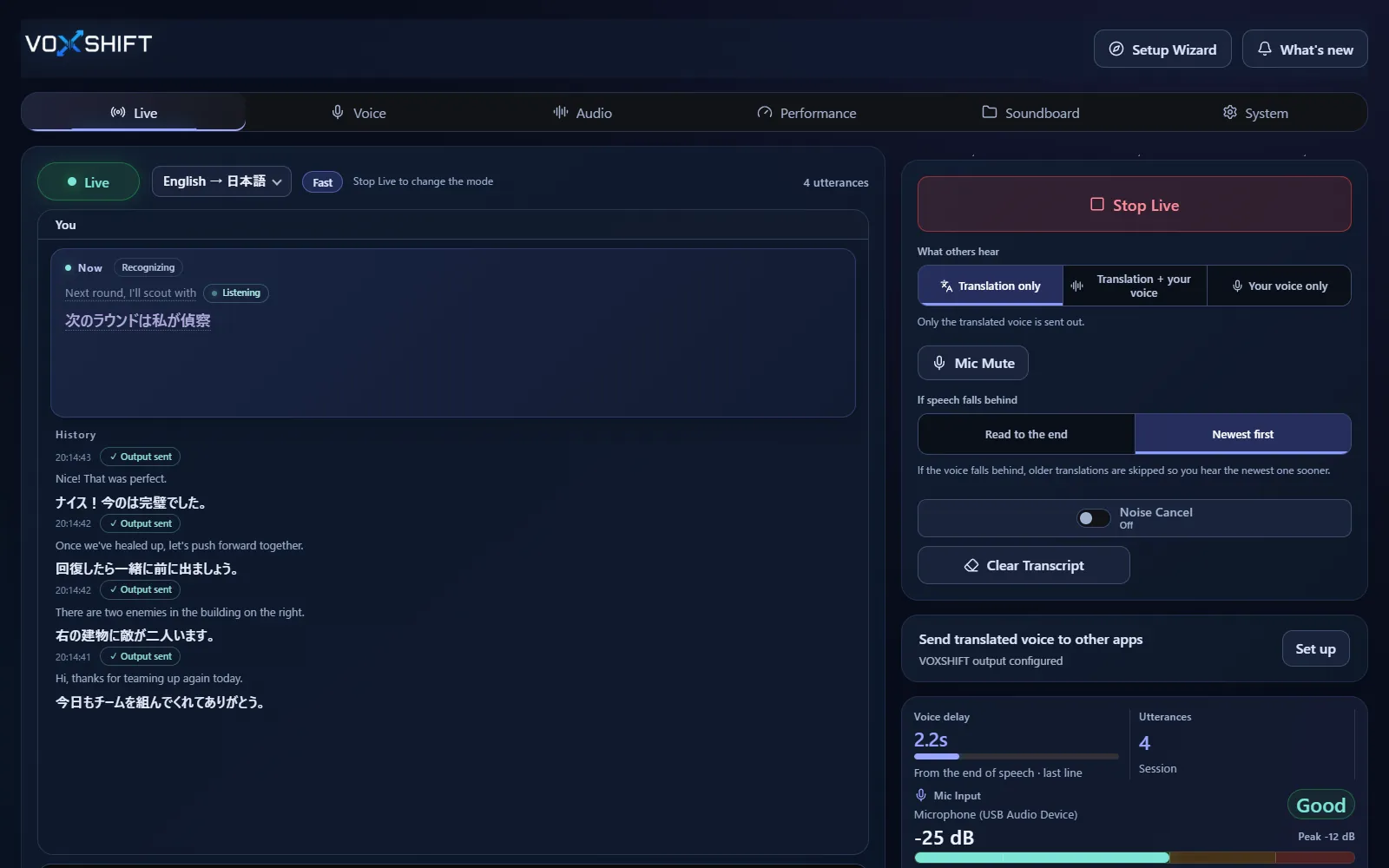
The free trial and the full version (one-time purchase) are on the same Microsoft Store product page.
Check your GPU, VRAM, microphone, output devices, virtual audio routes, and whether Live can start before paying.
Use the actual target app, such as Discord, game voice chat, OBS, or meeting software, before relying on the setup.
Live voice translation requires an NVIDIA CUDA GPU (GTX 16 / RTX 20 series or newer) with 4 GB VRAM or more, and results also depend on your audio devices and routing. Test the free version (Steam Demo or Microsoft Store free trial) on your own PC before purchasing. It limits each Live session to 10 minutes, translates into English only, uses a fixed light model set, and allows up to 3 soundboard items.
It is available from the VoxShift Microsoft Store listing, where you can also buy the full version as a one-time purchase. The free trial limits each Live session to 10 minutes, translates into English only, uses a fixed light model set, and allows up to 3 soundboard items.
Yes. Live voice translation requires an NVIDIA CUDA GPU (GTX 16 / RTX 20 series or newer) with 4 GB VRAM or more, and it also depends on your audio devices and routing, so testing the free trial first is strongly recommended.
Yes. The Microsoft Store listing may display Vox Shift, while the official product name on this site is VoxShift.
The Steam and Microsoft Store versions are separate products with separate licenses, so buying on one store does not unlock the other. Microsoft Store updates are delivered after store review, so they can arrive later than on Steam.
Voice translation is highly dependent on your PC. Before buying, check your PC, devices, and latency with the free version. Steam and Microsoft Store sell separate products, each a one-time purchase.